
Creating a standout video is more than following a formula. While templates can be useful, relying on them without adapting the content to your brand can leave you with something generic.
Video production is a strategic process that turns ideas into engaging content. Whether you’re looking to explain a complex concept or introduce your brand in a memorable way, your message needs to be clear, creative, and compelling.
What Is Video Production?
Video production is the process of creating video content that tells a story, conveys a message, or educates. It brings together planning, visual production, and editing to create a finished video that aligns with a project’s creative vision.
A video production team brings together different skills depending on the project. A live-action team may include camera operators and editors, while an animated video may involve scriptwriters, illustrators, designers, and animators.
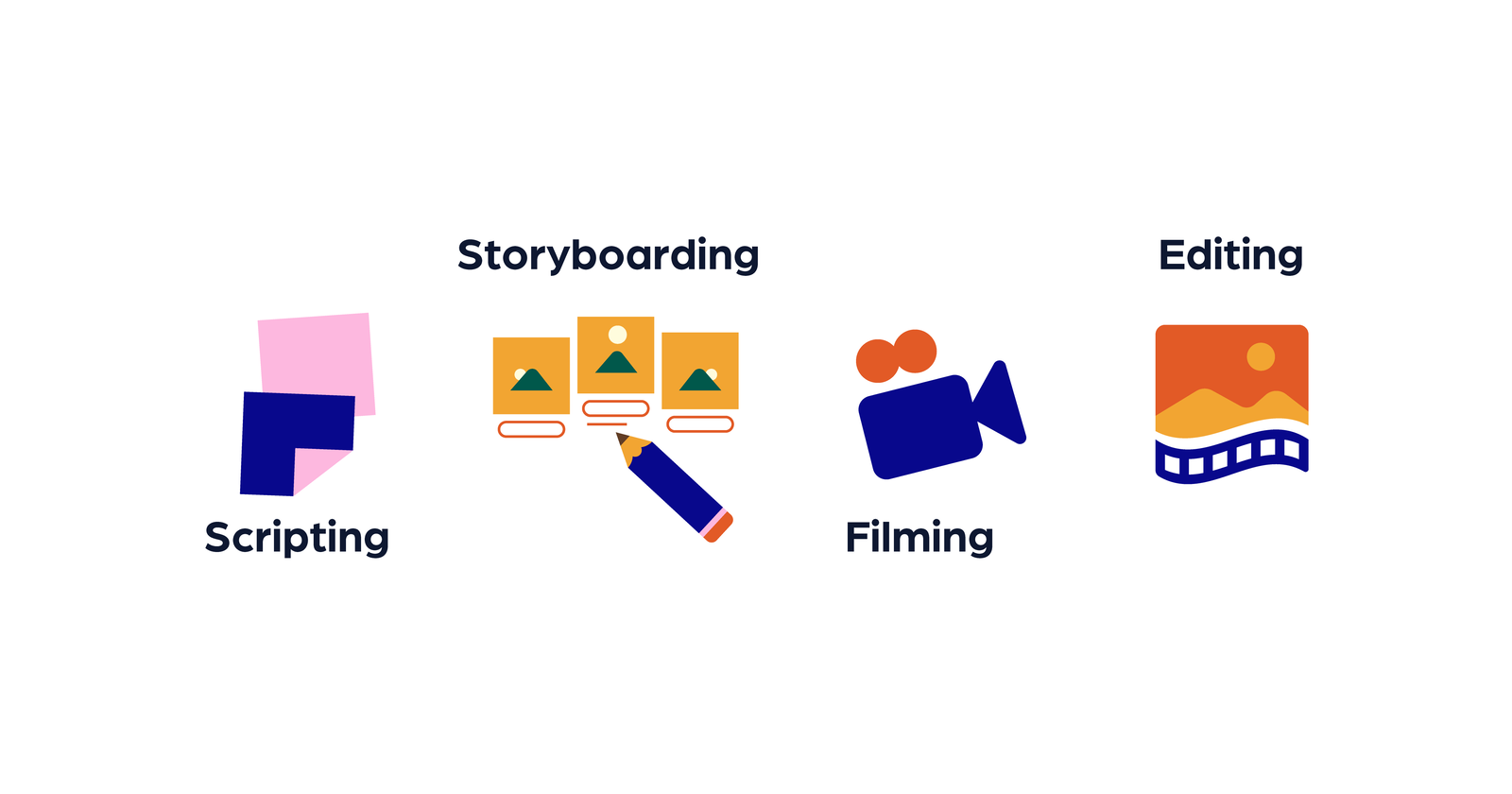
Whether it’s animated or live-action, each project starts with a clear message and careful planning. Live-action projects may involve location scouting and shooting schedules, while animated videos require planning for the script, storyboard, visual style, and animation.
Production is where the planned visuals are created: the crew films the footage, or the animation team builds and animates the scenes. Voiceover recording is scheduled to suit the project and may happen before animation so the visuals can follow the narration.
Post-production brings the material together through editing, sound design, music, and any required visual effects or color adjustments. The exact tasks depend on the format.
Explainer videos, in particular, need a focused message and carefully planned pacing. Each stage should support the audience’s understanding and the intended use of the finished video.
Why Is the Video Production Process Important?
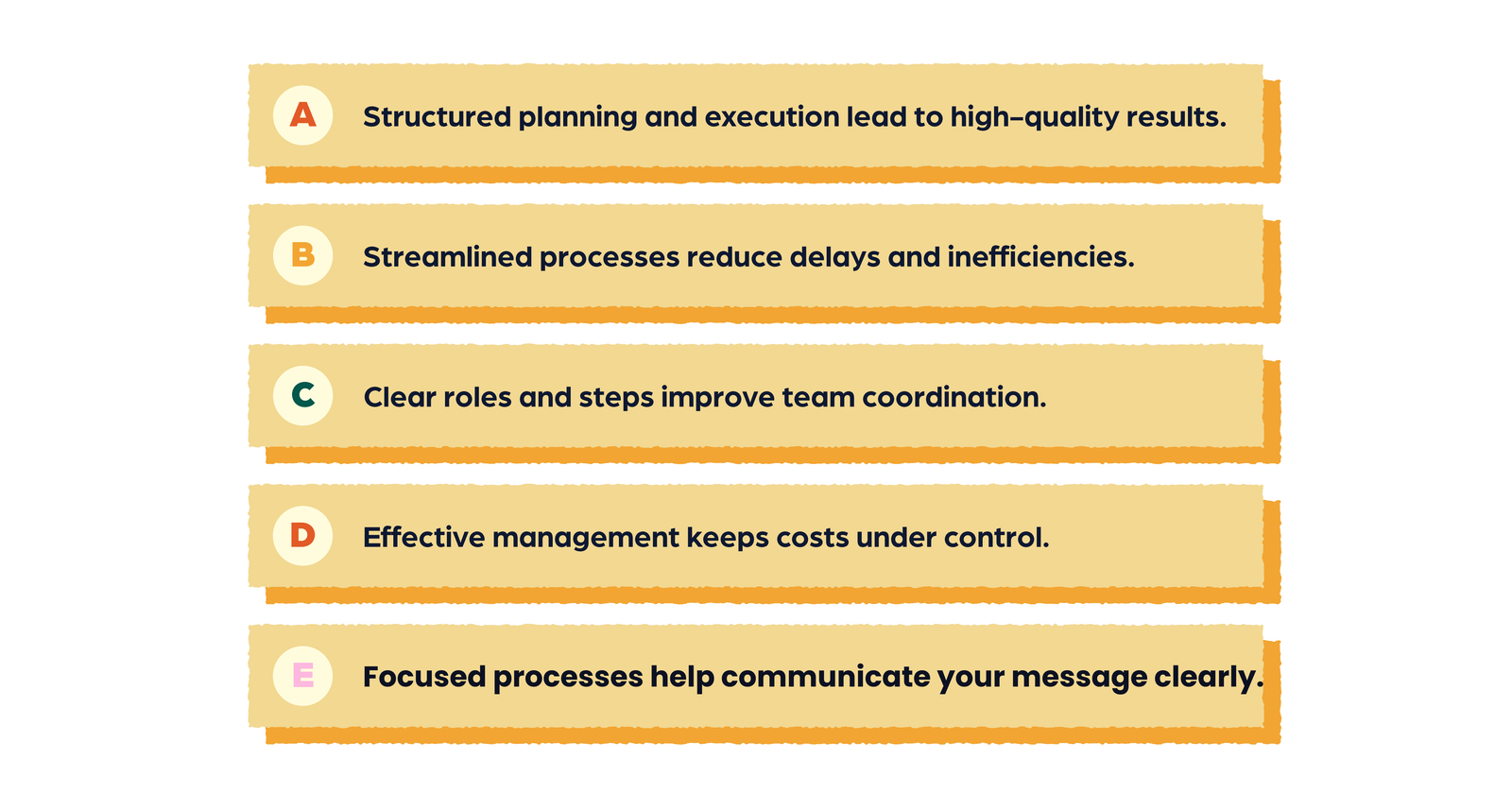
A structured video production process helps the team plan and manage the work. It supports a polished final product and makes budgets, responsibilities, and review points easier to track.
Video production can be a significant investment. Costs vary with the format, length, creative complexity, and project scope. Planning helps you decide where to focus the budget and identify requirements before production starts.
A well-defined process accounts for known needs, such as voice talent, design work, equipment, or filming locations. It also leaves room to respond to challenges, from changes to the script to bad weather during a live-action shoot.
The three main production phases—pre-production, production, and post-production—each have a different purpose. Pre-production prepares the project, production creates the visuals, and post-production assembles and refines the finished video.
Polished editing and a clear marketing strategy can help your video communicate effectively. Its performance also depends on the audience, distribution, and campaign goals.
Video Production vs. Film Production vs. Videography
These terms overlap, but they often describe different kinds of work.
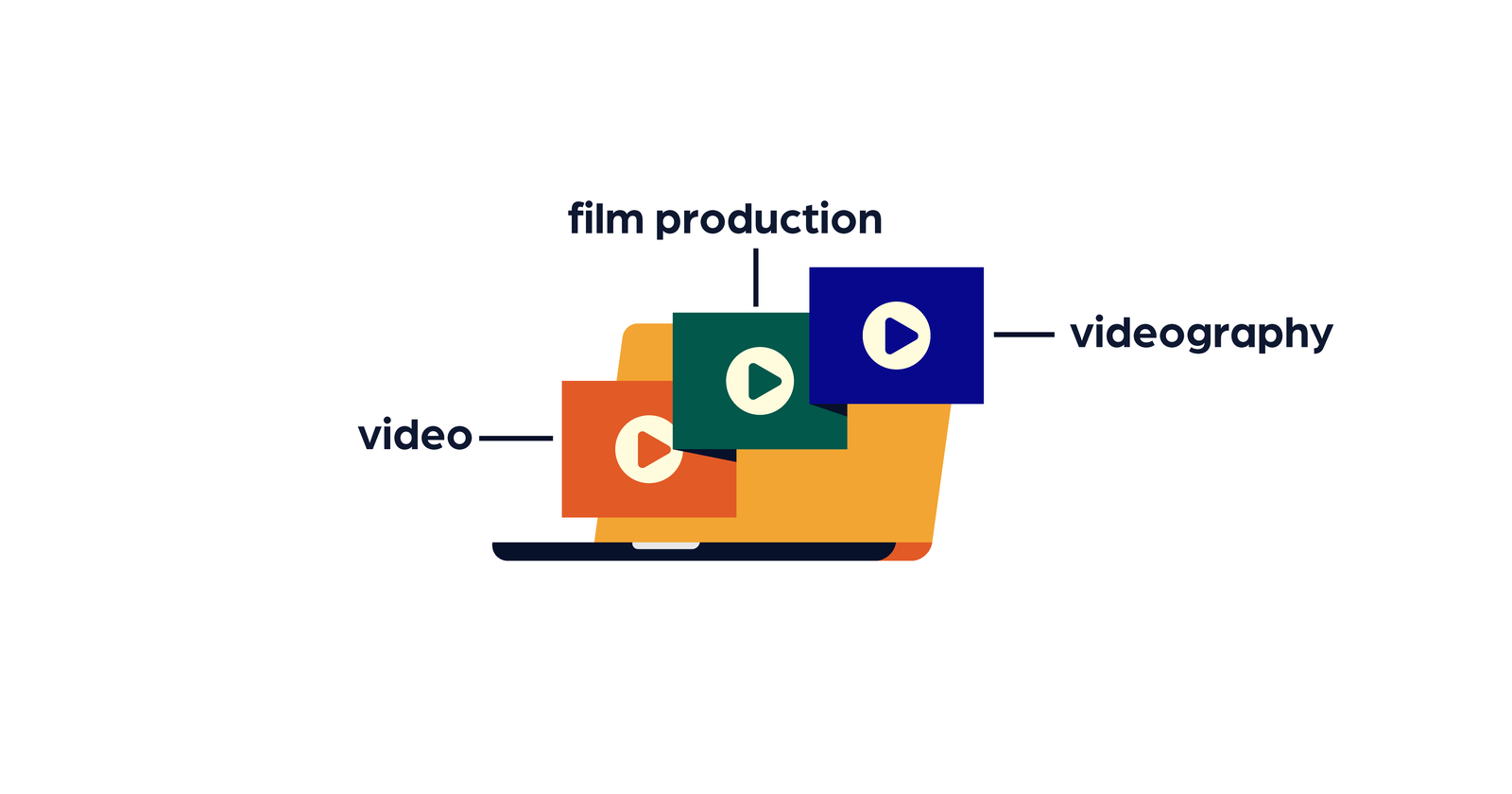
Film production usually refers to creating films, including independent projects and larger studio productions. Budgets, crew sizes, timelines, and release platforms vary. Development, financing, filming, and post-production can all be part of the process. The New York Film Academy’s guide to film production stages explains this broader workflow.
Video production covers a wide range of content, such as commercials, corporate videos, tutorials, and explainers. The production method and resources depend on what the video needs to achieve, rather than on a fixed distinction between “video” and “film.”
Videography often refers to recording events or other live footage. A videographer may work alone or with a small crew, but the filming setup and amount of editing vary by project. Event videos can still involve careful planning and substantial post-production.
Two Ways to Organize Video Production
1. In-House Video Production
In-house video production means creating content using your company’s own team and resources. It gives your team direct control over creative decisions and can make it easier to maintain brand consistency. It can be useful for businesses that need video content regularly, such as tutorials or product updates.
An internal team may be able to respond quickly to feedback, but it needs the time, tools, and skills to deliver the work. More complex animation or live-action projects may require specialist support.
2. Outsourced Video Production
Outsourced production involves hiring an agency or freelancer to handle some or all of a video project. It gives you access to specialist skills and creative perspectives that may not be available in-house.
An external team can help with complex projects or extra production capacity. Costs, timelines, and the level of creative control depend on the scope and working arrangement. A clear brief, agreed milestones, and organized feedback help both teams stay aligned.
You can also combine the two approaches—for example, by developing the brief internally and working with an animation studio on the visuals.
Five Key Steps of the Video Production Process
The three main production phases sit within a broader workflow that also includes strategy and distribution. Here’s how those five steps fit together.
1. Strategy and Development
The first step sets the direction for the project. Define the video’s goals, target audience, core message, and intended use.
Decide on the format, creative approach, approximate length, timeline, and budget. These decisions help the team develop a concept that fits the brand and the project’s needs.
2. Pre-Production
Pre-production turns the concept into a practical plan. This is where you develop and approve the materials the team needs before filming or animation begins.
The essentials include:
- Confirming the brief. Align on the audience, goals, timeline, budget, and deliverables.
- Writing the script. Shape the story and refine the message before creating the visuals.
- Planning the scenes. Use a storyboard to map out the sequence. For live-action projects, prepare a shot list where needed.
- Developing the visual direction. For animation, agree on the illustration style, colors, typography, and design approach.
- Organizing talent and resources. Arrange any required actors, voiceover artists, equipment, locations, and permissions.
- Scheduling production and reviews. Make sure the team knows who approves each stage and when feedback is needed.
If AI-generated narration or avatars are being considered, agree on their use and review the provider’s licensing terms before including them in the project.
3. Production
Production is where the planned visuals take shape. For live-action videos, the crew records the footage using the approved plan. For animated videos, designers and animators create the assets and bring the scenes to life.
Attention to detail matters here. The team checks that the visuals, timing, and performances support the script and agreed creative direction.
4. Post-Production
Post-production brings the material together. Depending on the project, this includes editing, compositing, visual effects, color correction, voiceover integration, music, and sound design.
The team reviews the video, addresses agreed feedback, and prepares the final exports. Captions, aspect ratios, and technical requirements should match the intended platforms and deliverables.
5. Marketing and Distribution
The finished video is shared through the channels chosen for the project, such as a website, social media, email, or a presentation.
Plan distribution early rather than treating it as an afterthought. The intended channels affect the video’s length, format, captions, and versions. After launch, review its performance against the goals set at the start.
Tools and Software for Video Production
Different tools support different parts of the process. The right choice depends on the task, your team’s experience, and the project requirements. Specific features and availability may vary by plan, device, or software version.
Editing and Repurposing
- Adobe Premiere: A video editing tool for assembling footage, refining audio, adjusting color, and preparing exports. It also offers text-based editing and AI-assisted audio enhancement.
- iMovie: An approachable editing option for Apple devices. It supports trimming clips and adding titles, transitions, music, and effects.
- Kapwing: A browser-based platform for editing and repurposing videos, including timeline editing and team collaboration.
- Movavi: An editing option with tools for cutting clips, adjusting color, and adding titles, filters, and transitions.
Review and Approvals
Ziflow is an online proofing platform for gathering feedback and managing creative reviews. It supports collaboration between internal teams and external reviewers.
Screen Recording and Quick Sharing
Loom is useful for screen recordings, walkthroughs, and quick video messages. It can help with product demonstrations and internal communication, but it serves a different purpose from a custom animation production workflow.
Hosting, Sharing, and Browser-Based Editing
Vimeo supports hosting, managing, and sharing videos. Its browser-based editor also offers a multi-track timeline, templates, and stock media, with specific options depending on the plan.
These tools do not all serve the same purpose. Editing footage, creating custom animation, collecting approvals, and hosting a finished video are separate tasks.
The Explainer Video Production Process at Moov
Moov’s approach to custom explainer video production starts with your goals, audience, and the core message you want to convey. This sets the foundation for the project.
The script shapes the narrative and key points. A storyboard then maps out the scenes so you can review how the story will work visually before animation begins.
With the visual direction and storyboard approved, design and animation bring the scenes to life. The visuals and pacing work together to support the message and keep the story easy to follow.
Sound is considered alongside the visuals. Where included in the project scope, voiceover, music, and sound effects are chosen to suit the tone of the video.
Review stages give you the opportunity to provide feedback before final delivery. The quote and agreed project scope define the services, deliverables, and revision arrangements for your video.
Best Practices for Animated Explainer Video Production
- Plan the message before animating. A focused script and clear storyboard help the team avoid unnecessary rework.
- Choose tools that suit the project. The team’s skills and workflow matter more than simply buying expensive software or equipment.
- Keep the visual style consistent. Use colors, fonts, illustrations, and animation choices that fit the brand.
- Match the animation to the narration. Give viewers time to understand each idea, and use movement to reinforce key points.
- Organize feedback. Consolidate comments and approve key stages before moving on to the next part of production.
- Check the final exports. Review readability, captions, audio, and playback on the intended devices and platforms.
- Check usage rights. Confirm that music, voiceover, fonts, and other assets are licensed for the intended use.
How Much Does a Video Project Cost?
There is no single price for every video project. A simple screen recording, a live-action campaign, and a custom animated explainer involve different skills and resources.
Templates can offer a lower-cost starting point, but they may need substantial adaptation to communicate your brand’s message clearly. Custom production gives you more scope to develop a distinct visual approach and story.
Custom explainer videos from Moov Studio start at $2,600 USD per finished minute. The final price depends on the video’s length, visual style, animation complexity, and project scope. Your quote specifies the services and deliverables included.
Spending more does not guarantee a better outcome. A clear brief, realistic scope, and well-managed production process help you use the budget purposefully.
If you’re planning a video and want to understand the right approach for your project, get in touch with Moov to discuss your goals and scope.